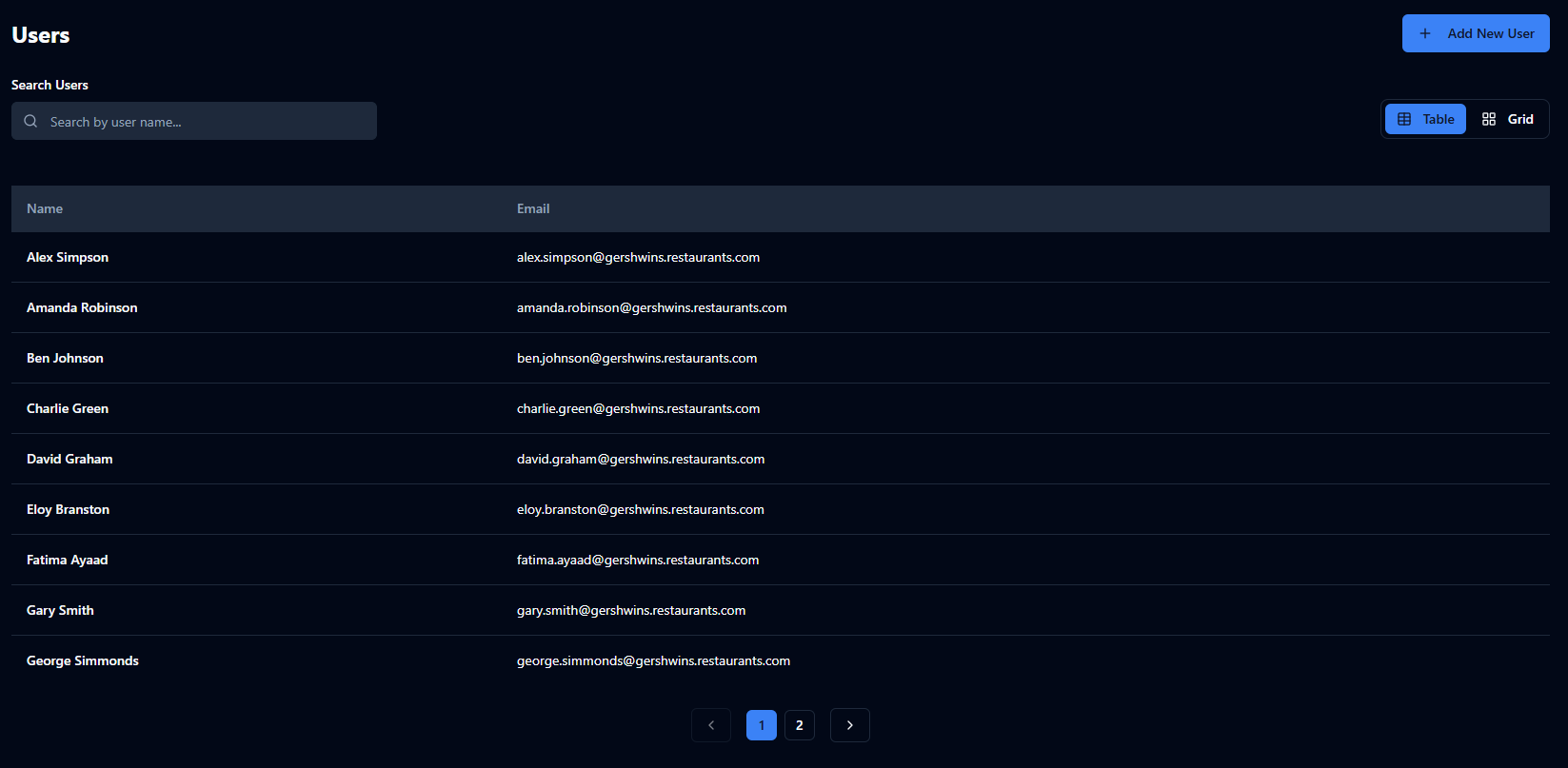
Users
Manage who has access to the Control Centre and/or the Checkit App
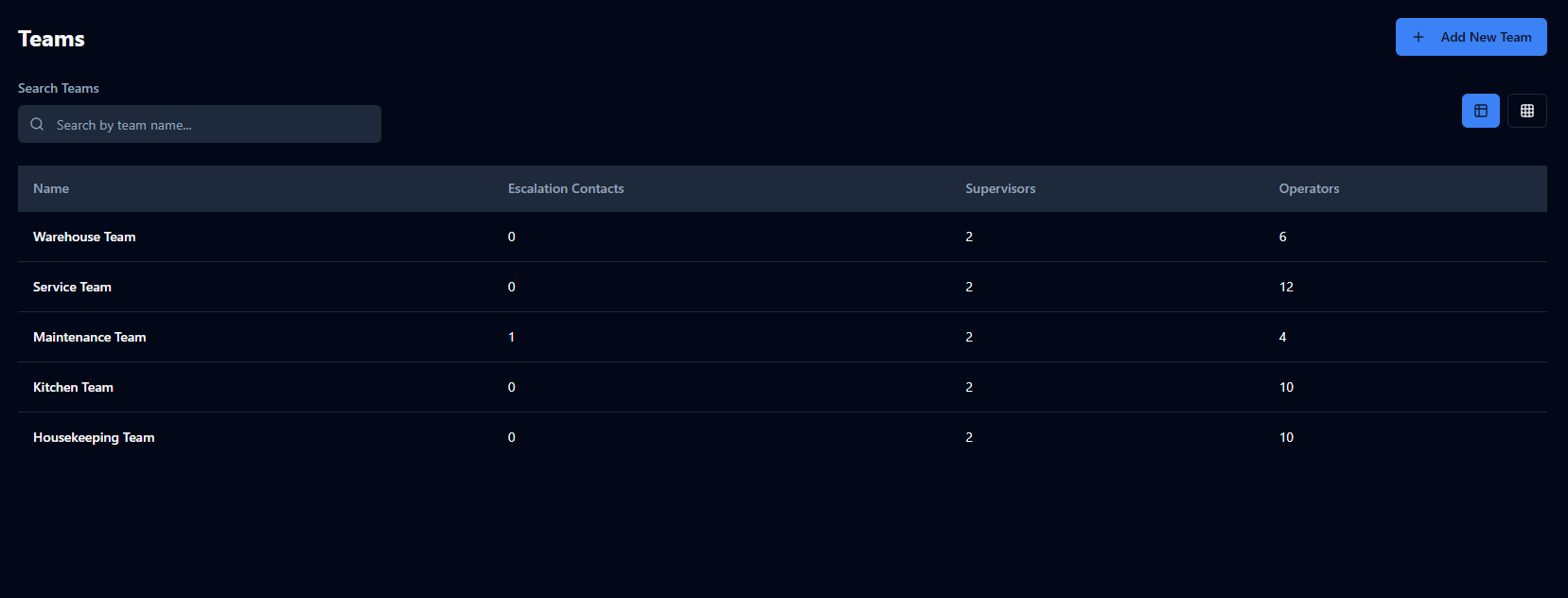
Teams
Manage how users are grouped
Sensor Management
The following configuration only applies to customers who use Checkit sensors.
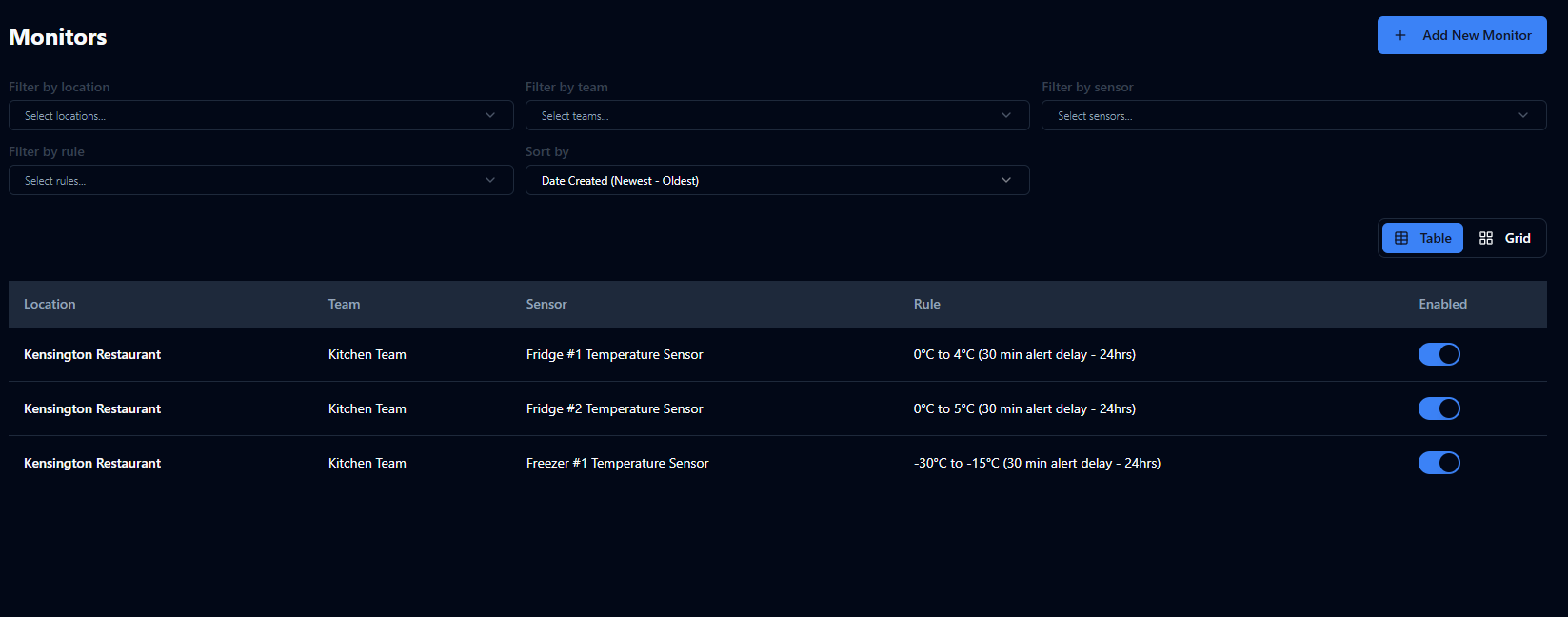
Monitoring
Assign a sensor to a team and apply a rule (e.g. Sensor: Fridge #3, Team: Kitchen Team, Rule: 0°C–4°C)
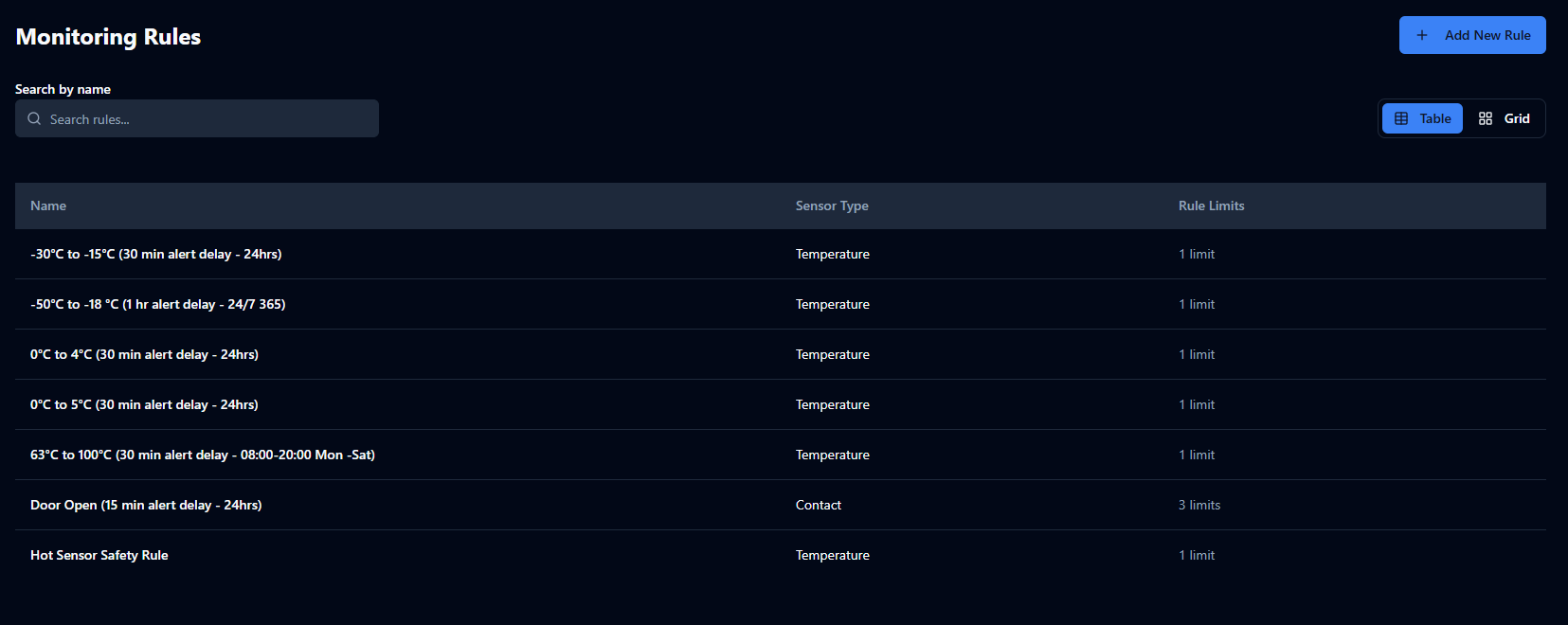
Rules
Define acceptable ranges and alert delays (e.g. 0°C–4°C, 30-minute alert delay)
Optional Features
Manage advanced monitoring configuration including:
-
Alert Escalations (Optional Feature): notify additional users when alerts are not acknowledged or cleared in time
-
Machine Readable Alerts (Optional Feature): convert alerts to a machine-readable format to integrate with your in-house/third-party systems
-
Mobile Alerting (Optional Feature): receive sensor and service alerts on the Checkit App
App Management
The following configuration only applies to customers who use the Checkit App.
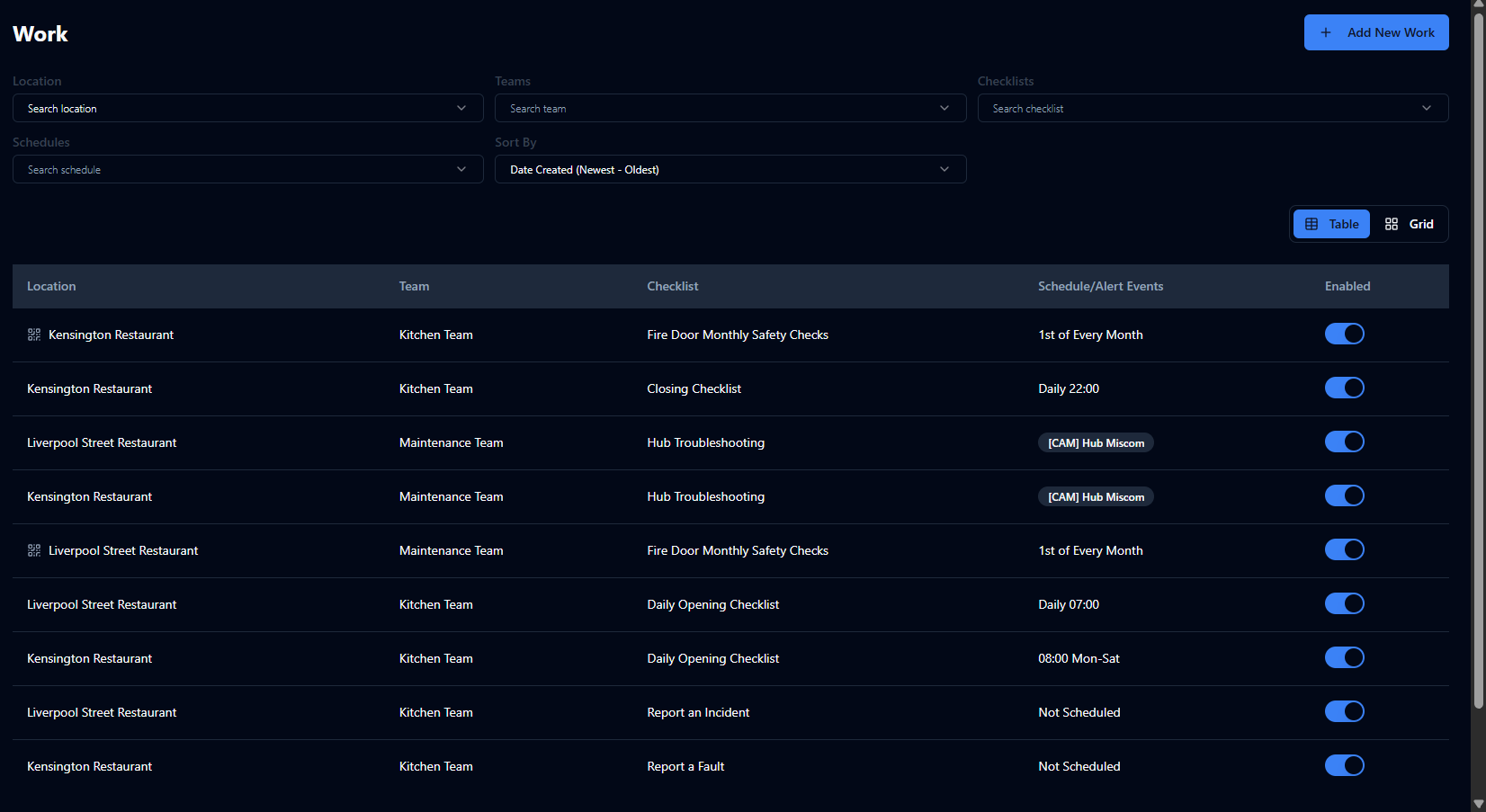
Work
Assign checklists and individual checks to a location and team, and either apply a schedule or select not scheduled for work that may need to be completed at any time (e.g. deliveries)
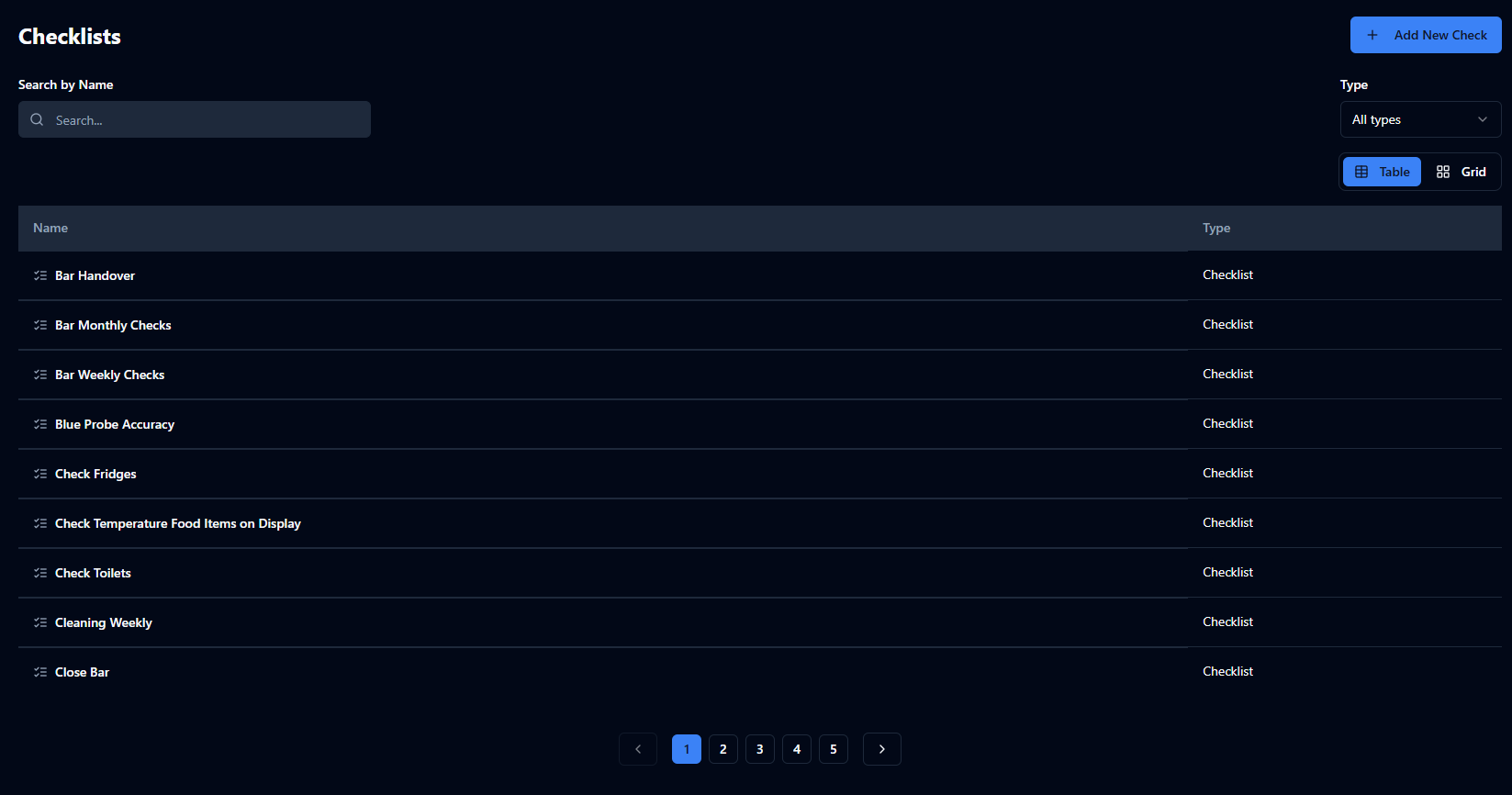
Checklists & Checks
Create lists of tasks or individual tasks to be completed in the Checkit App
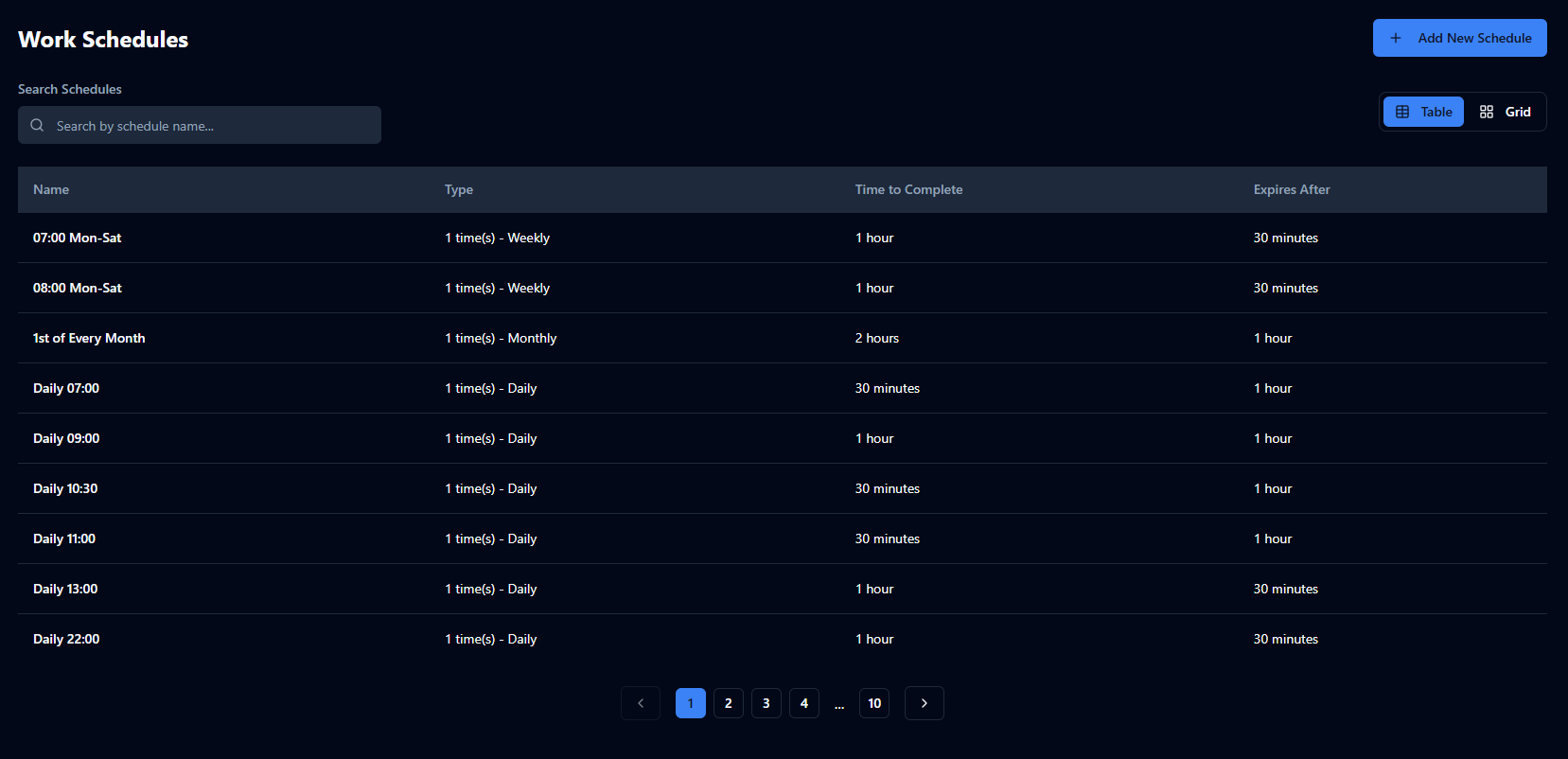
Schedules
Define when checklists should be completed (e.g. every Monday at 08:00), how long staff have to complete them (e.g. 1 hour), and how much additional time is allowed if a checklist becomes overdue (e.g., 15 minutes)
Optional Features
Manage advanced work configuration including:
-
Add Links to Checks (Optional Feature): Add links to supporting information, such as user manuals, Standard Operating Procedures (SOPs) and safety guidance, directly within checks.
-
Alert Escalations (Optional Feature): notify additional users when alerts are not acknowledged or cleared in time
-
Checklist Subject (Optional Feature): add a tag to distinguish between multiple checklists of the same type (e.g. Checklist: Deliveries, Subject: Dairy; Checklist: Deliveries, Subject: Pastries)
-
Checkpoints (Optional Feature): define individual assets or locations on site so the same checklist can be completed against each one (e.g. Fire Door 1, Fire Door 2 ), with the option to assign a QR code or NFC tag to trigger the checklist
-
Custom Roles (Optional Feature): define roles (e.g. Cleaning Manager) and restrict certain checks—such as final sign-off—to those roles to ensure quality control
-
Delayed Checks (Optional Feature): configure a check to trigger a follow-up task after a set period of time (e.g. put food in hot hold→ 2 hours later, remove any unsold items from sale)
-
Machine Readable Alerts (Optional Feature): convert alerts to a machine-readable format to integrate with your in-house/third-party systems
-
Shared Libraries (Optional Feature): import and export checklist libraries between accounts to share standard processes with subsidiaries, franchises, or acquired companies
Locations
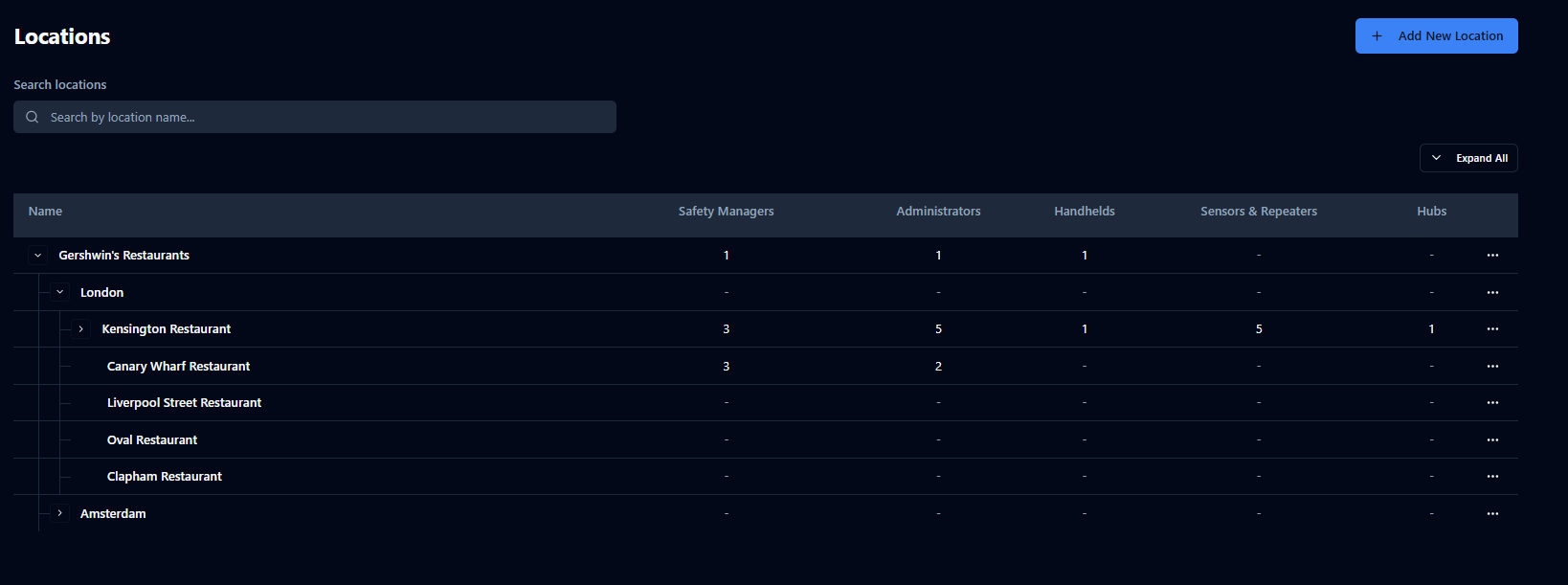
Manage your location structure and hierarchy, e.g. Gershwin’s Restaurants → London→ Kensington Restaurant → Front of House, Back of House
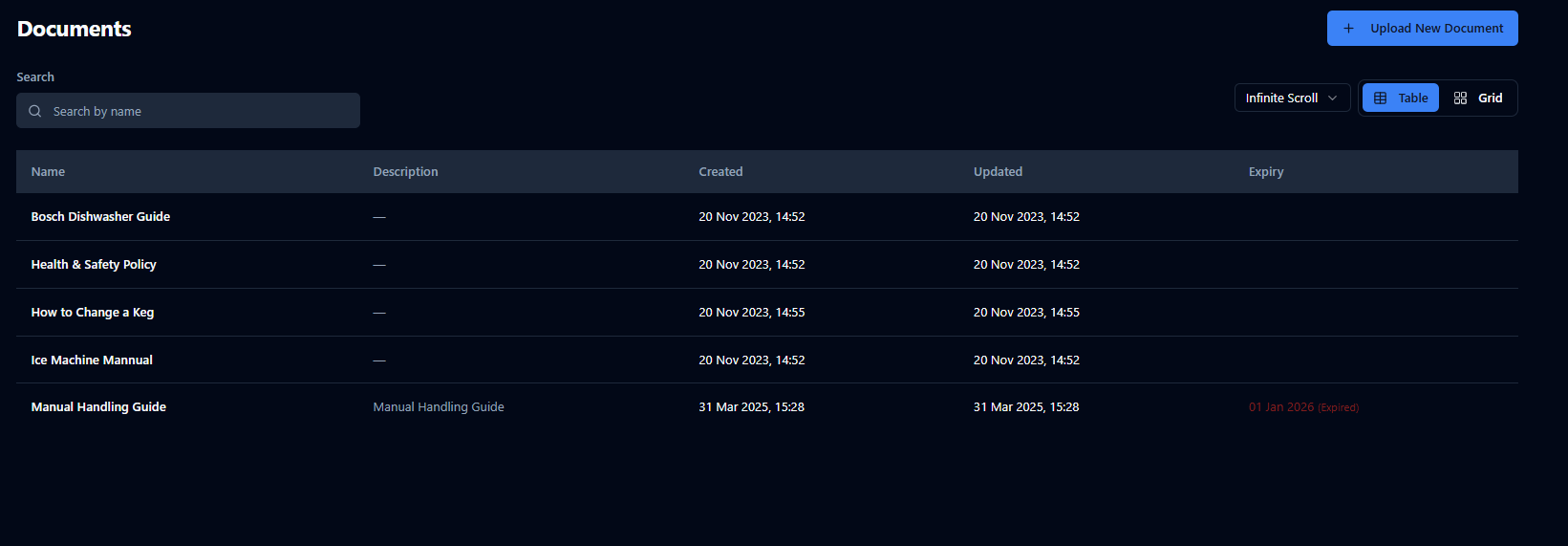
Documents (Optional Feature)
Manage useful reference material such as SOP documents and user manuals that staff can access in the Control Centre and on the Checkit App