
The CAM+ Training Package allows organisations to deliver Checkit training through their existing Learning Management System (LMS).
The package includes 15 training videos covering all aspects of CAM+, including logging in to the CAM+ Website, viewing and exporting reports, managing alarms and alerts, completing incident audits, and administering users, contacts, isolations, and setpoints.
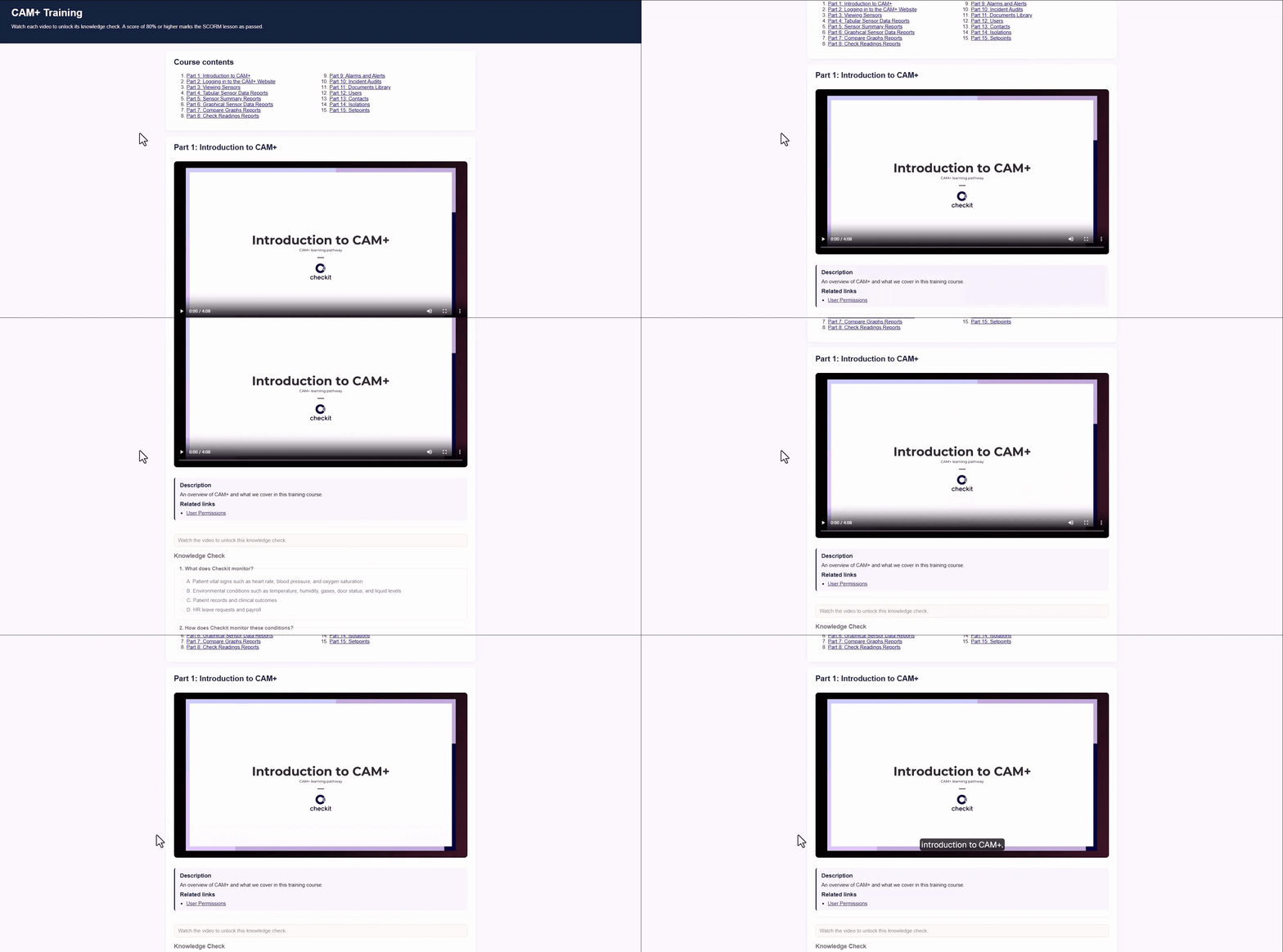
Learners complete multiple-choice knowledge checks throughout the course and must achieve an overall pass mark of 80%.
The training package is intended to be downloaded, uploaded, and assigned by your organisation's training manager or LMS administrator.
The package uses the SCORM 1.2 standard, enabling Checkit training content to be imported directly into your learning platform and assigned using your existing training processes.
Benefits include:
-
Delivering structured Checkit training through your existing LMS
-
Tracking learner completion and assessment results
-
Supporting internal training and compliance requirements through auditable training records
-
Using existing organisational training, reporting, and assignment processes
Download: CAM+ Training Package
Compatibility
The Checkit training package use the SCORM 1.2 standard and are compatible with most Learning Management Systems that support SCORM content.
Common platforms include:
-
Moodle
-
Docebo
-
Cornerstone
-
TalentLMS
-
Litmos
-
SAP SuccessFactors Learning
-
Other SCORM 1.2 compatible LMS platforms
If you are unsure whether your LMS supports SCORM 1.2 packages, contact your LMS administrator.
How to Upload a Training Package
-
Download the package. Do not unzip or modify the file.
-
Log in to your LMS using an account with permission to manage learning content.
-
Import the SCORM package using your LMS content upload area (for example: Import Course, Upload Content, Add Learning Module, or SCORM Import) and upload the downloaded
.zipfile. -
Configure course settings as required within your LMS, such as course title, user assignments, due dates, completion rules, or notifications.
-
Publish and assign the training package to the relevant users or groups within your LMS. Completion tracking, reminders, and reporting are managed through your LMS.
Important: This training package is supplied as a single SCORM 1.2 course containing multiple modules. Upload the ZIP file as one course to your learning platform. Do not upload the individual modules separately or extract the ZIP before uploading.
Troubleshooting
-
Package will not upload
-
Confirm your LMS supports SCORM 1.2
-
Ensure the original
.zipfile has not been unzipped or modified -
Check LMS upload restrictions or file size limits
-
-
Training completion is not recording
-
Review LMS SCORM reporting and completion settings
-
Check completion rules and learner tracking configuration
-
Confirm the course has been published
-
-
Learners cannot launch the course
-
Confirm the course has been published within your LMS
-
Verify learners have been assigned the correct training module
-
Check user permissions for learning content access
-
-
Videos or content do not load
-
Confirm internet access is available
-
Check browser security settings
-