
The following configuration only applies to customers who use the Checkit App.
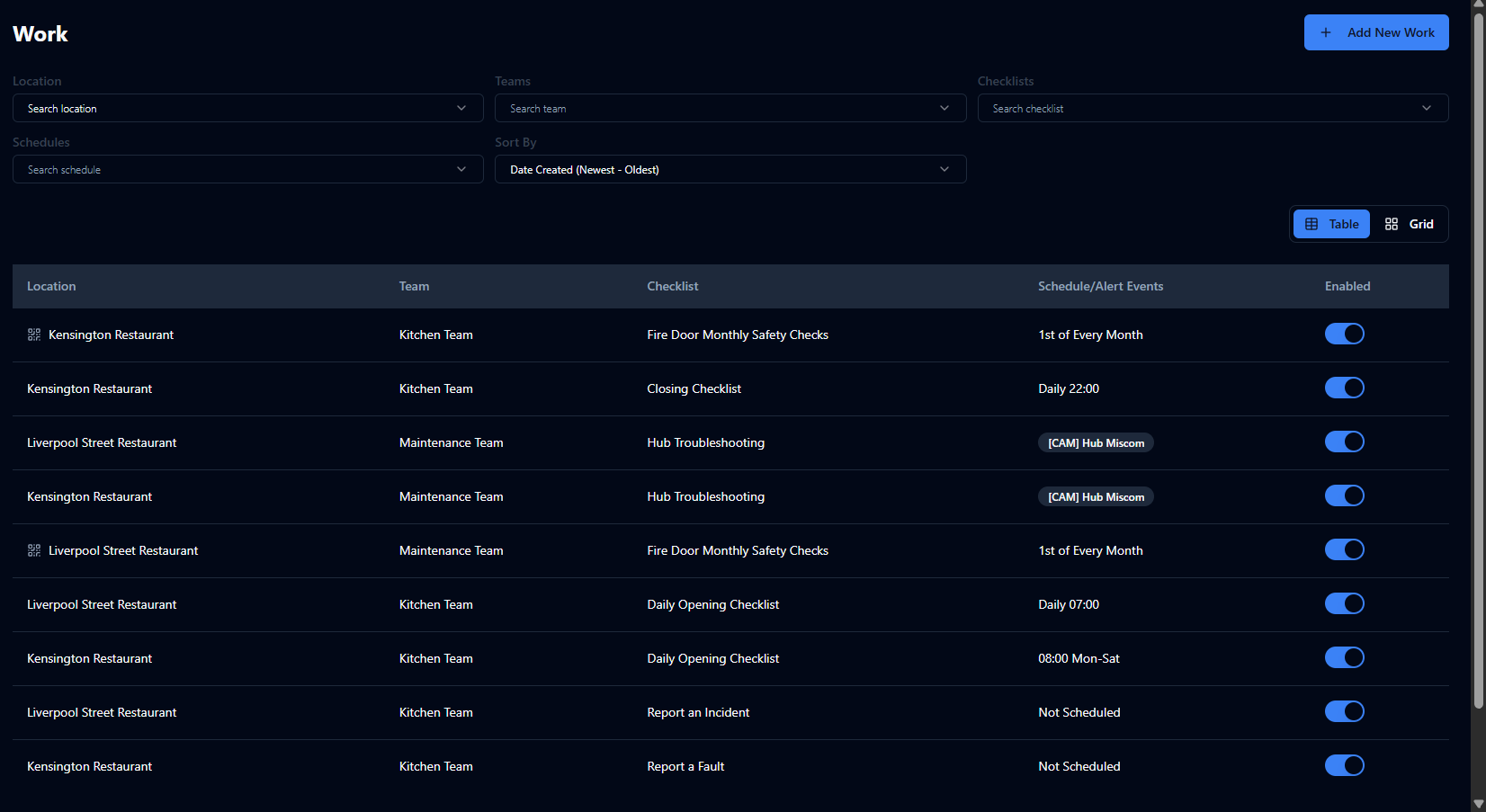
Work
Assign checklists and individual checks to a location and team, and either apply a schedule or select not scheduled for work that may need to be completed at any time (e.g. deliveries)
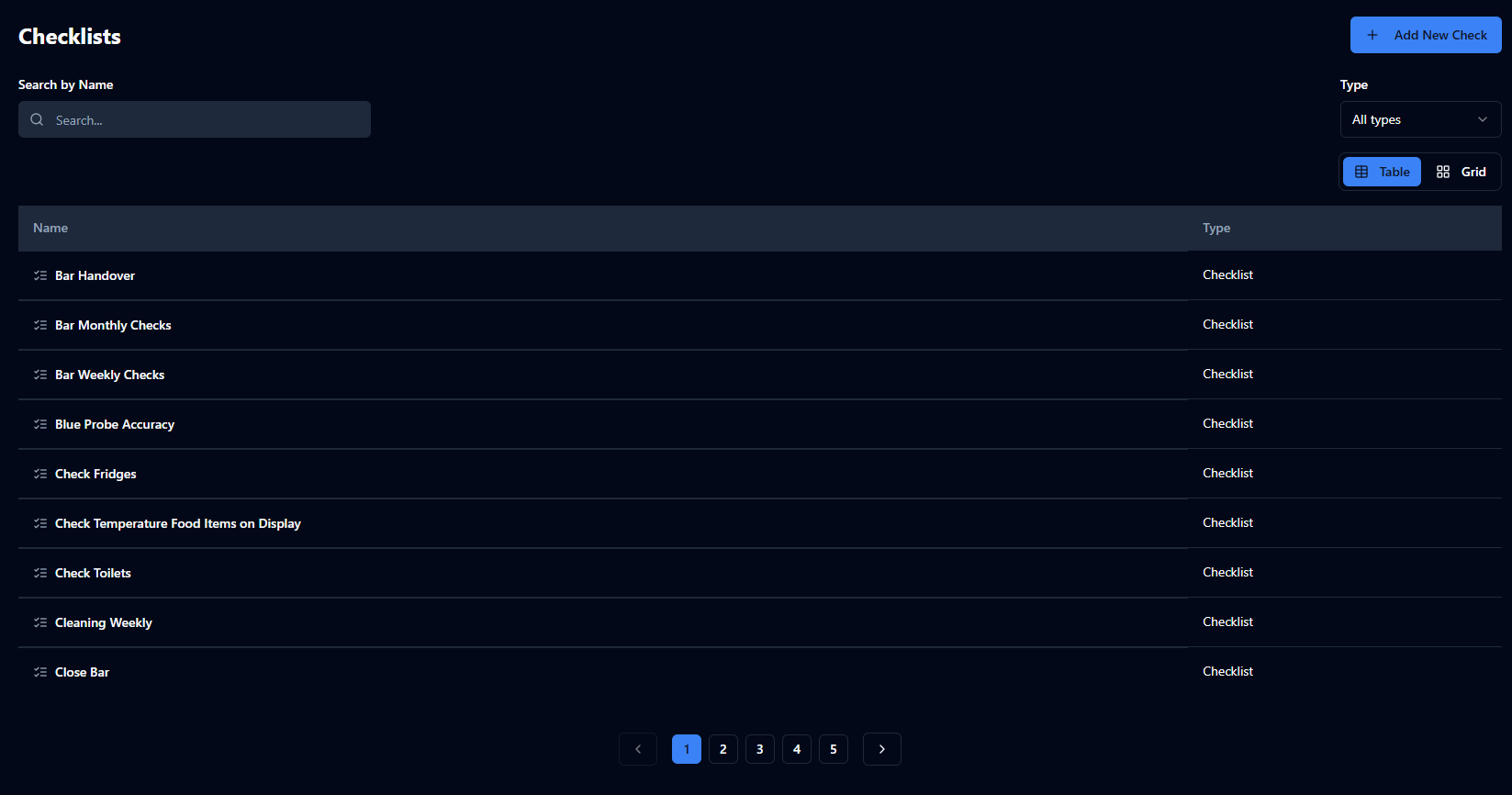
Checklists & Checks
Create lists of tasks or individual tasks to be completed in the Checkit App
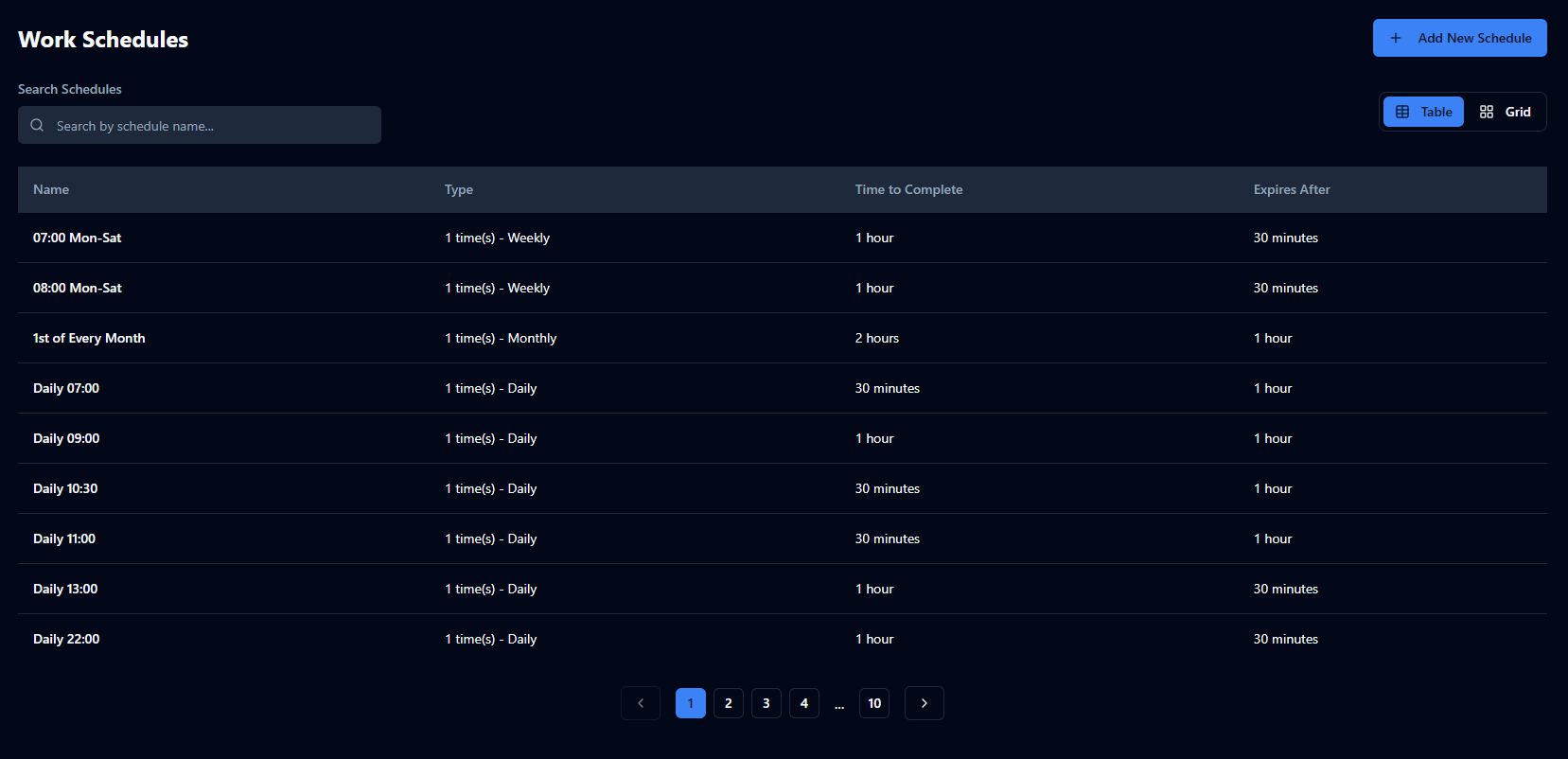
Schedules
Define when checklists should be completed (e.g. every Monday at 8 am), how long staff have to complete them (e.g. 1 hour), and how much additional time is allowed if a checklist becomes overdue (e.g. 15 minutes)
You do not assign checklists or checks to individual mobile devices; you assign them to locations. The checklists and checks will be visible on all mobile devices at that location.
Optional Features
-
Add Links to Checks (Optional Feature): Add links to supporting information, such as user manuals, Standard Operating Procedures (SOPs) and safety guidance, directly within checks.
-
Alert Escalations (Optional Feature): notify additional users when alerts are not acknowledged or cleared in time
-
Checklist Subject (Optional Feature): add a tag to distinguish between multiple checklists in progress of the same type (e.g. Checklist: Deliveries, Subject: Dairy; Checklist: Deliveries, Subject: Pastries)
-
Checkpoints (Optional Feature): define individual assets or locations on site so the same checklist can be completed against each one (e.g. Fire Door 1, Fire Door 2 ), with the option to assign a QR code or NFC tag to trigger the checklist
-
Custom Roles (Optional Feature): define roles (e.g. Cleaning Manager) and restrict certain checks—such as final sign-off—to those roles to ensure quality control
-
Delayed Checks (Optional Feature): configure a check to trigger a follow-up task after a set period of time (e.g. put food in hot hold→ 2 hours later, remove any unsold items from sale)
-
Machine Readable Alerts (Optional Feature): convert alerts to a machine-readable format to integrate with your in-house/third-party systems
-
Shared Libraries (Optional Feature): import and export checklist libraries between accounts to share standard processes with subsidiaries, franchises, or acquired companies